
Cabin Chaos Updates
Beta patch radar for skins, systems, and unfinished cabin features — without fake changelogs.
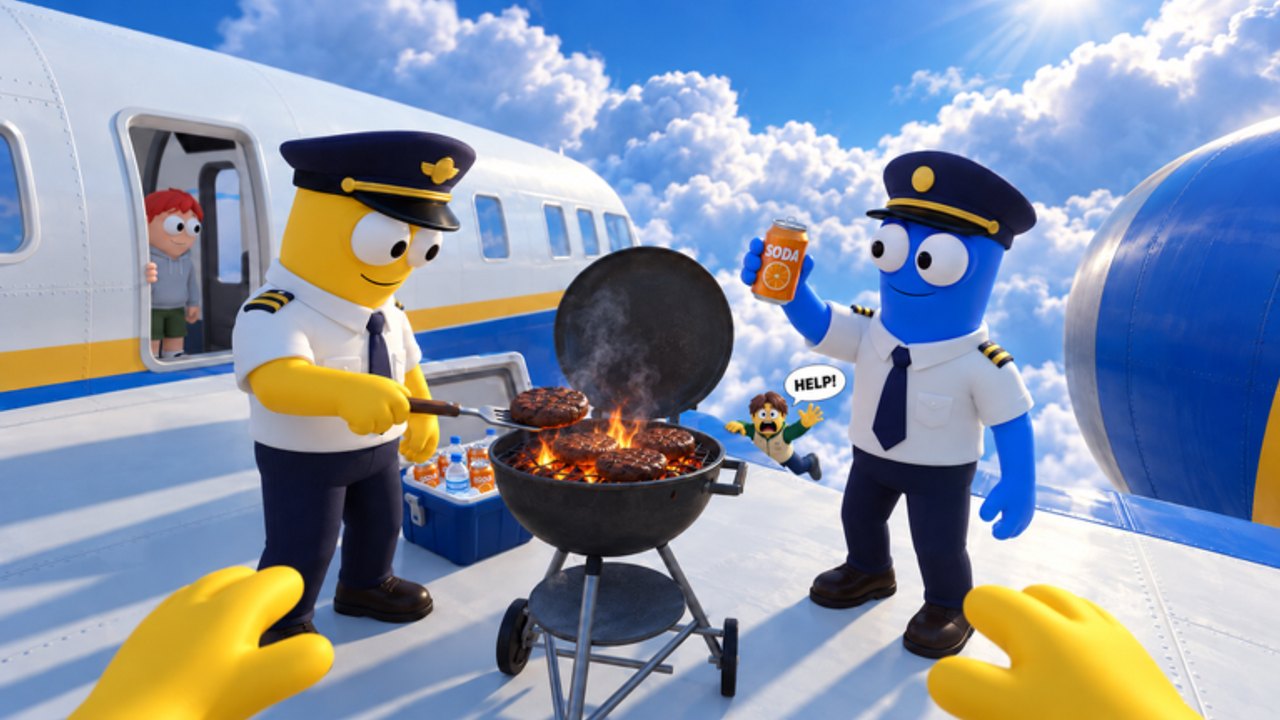
Welcome to the Updates Hub for Cabin Chaos, the Roblox co-op airline cabin sim by FriendSlop Interactive. The experience has been in beta since 2026-08-29, so expect rapid iteration, temporary bugs, and feature flags that appear or vanish between sessions.
This hub is your index for patch context, not a place where we invent version numbers. When FriendSlop ships notes — especially cosmetic drops branded around skins and emotes — we summarize impact for crews chasing Wing Bucks and ranks from Cadet to Sky Legend.
Beta snapshot
| Fact | Detail |
|---|---|
| Status | Beta / early live testing |
| Soft start | 2026-08-29 |
| Players | Up to 24 per server |
| Fantasy | Airline cabin chaos + island side content |
| Currency | Wing Bucks |
For mindset, unfinished systems, and bug expectations, read the deep dive: Beta Status. For the November 2026 seasonal live title [XMAS + CHAOS] Cabin Chaos, start here: XMAS + Chaos Update.
Update index
| Page | Focus |
|---|---|
| Beta Status | Unfinished systems, bug mindset, co-op realities |
| XMAS + Chaos Update | Seasonal branding, skins FOMO guardrails, re-test checklist |
What “skins update” branding usually means
Recent community attention often centers on cosmetic and emote drops rather than a full systems rewrite — including windows advertised as [NEW SKINS] or [XMAS + CHAOS]. When a skins-focused update lands:
- Check whether new outfits are Wing Bucks purchases, rank gates, or limited event unlocks
- Revisit value thinking on Skins & Emotes before impulse spending
- Confirm controls and ragdoll (R) still behave after UI tweaks via Controls
- Re-run a clean flight with the Crew Checklist in case task prompts moved
Cosmetics do not replace fundamentals: check-in, cargo, fuel, takeoff, meal service, calming flyers, seat thieves, toilet rescues, mid-flight repairs, and island quests (desert mine, glacier wreck).
How we cover patches on this wiki
- Confirm the change in-game or via official Roblox / group messaging.
- Summarize player-facing impact (new tasks, broken flows, economy tweaks).
- Link the right guides so you can relearn quickly.
- Avoid filler changelogs copied from unrelated Roblox airport games.
Cross-links you will need after almost any patch:
- Getting Started — onboarding drift
- Passenger Service — meal and mood loops
- Mid-Flight Events — repairs and chaos events
- Island Side Quests — desert mine & glacier wreck
- Complete a Flight — end-to-end success criteria
- Wing Bucks & Ranks — economy and Cadet→Sky Legend pacing
- Crew Tasks Tier List — priority order when something breaks
- Codes Hub — only if a promo actually ships
- Scripts Hub — reminder that automation lists stay empty until verified
Watching official channels
Primary sources beat rumor mills:
- Official place: Cabin Chaos on Roblox
- Studio / group context: FriendSlop Interactive and the Players Hub
- Social discovery tips: Links Hub — we do not invent a Discord URL if it is not clearly published
When trailers drop, we may embed one mid-article video on related pages (never more than one per page).
Practical post-update routine
After any noticeable patch:
- Hop into a low-pressure server and test boarding + takeoff.
- Verify meal carts, calm interactions, and toilet rescue prompts still complete.
- Trigger or wait for one repair-style event if possible.
- Note Wing Bucks gains versus last week.
- Only then spend on new skins.
If something feels half-finished, that may be beta reality — document it mentally and keep flying. Cabin Chaos rewards crews who adapt faster than the patch notes can be typed.
Frequently Asked Questions
Quick answers for Cabin Chaos crews on Roblox.
Is Cabin Chaos still in beta?
Yes. The experience has been in beta since 2026-08-29. Expect bugs, incomplete features, and frequent tweaks.
Where is the detailed beta expectations guide?
See Beta Status under this hub for unfinished systems, bug mindset, and how to play around rough edges.
Do skins updates change gameplay?
Often they are cosmetic-first. Still re-test core cabin tasks after any patch because UI and prompts can shift alongside shop tabs.
Will codes appear in update posts?
Sometimes Roblox games bundle promos with patches. Check the Codes Hub — we only list verified strings, never invented ones.
How do I stay ready for patch day?
Keep the crew checklist handy, refresh guides for your role, and avoid spending all Wing Bucks the night before a cosmetic drop.